內部odoo知識庫
Completed
Click on the "Edit" button in the top corner of the screen to edit your slide content.
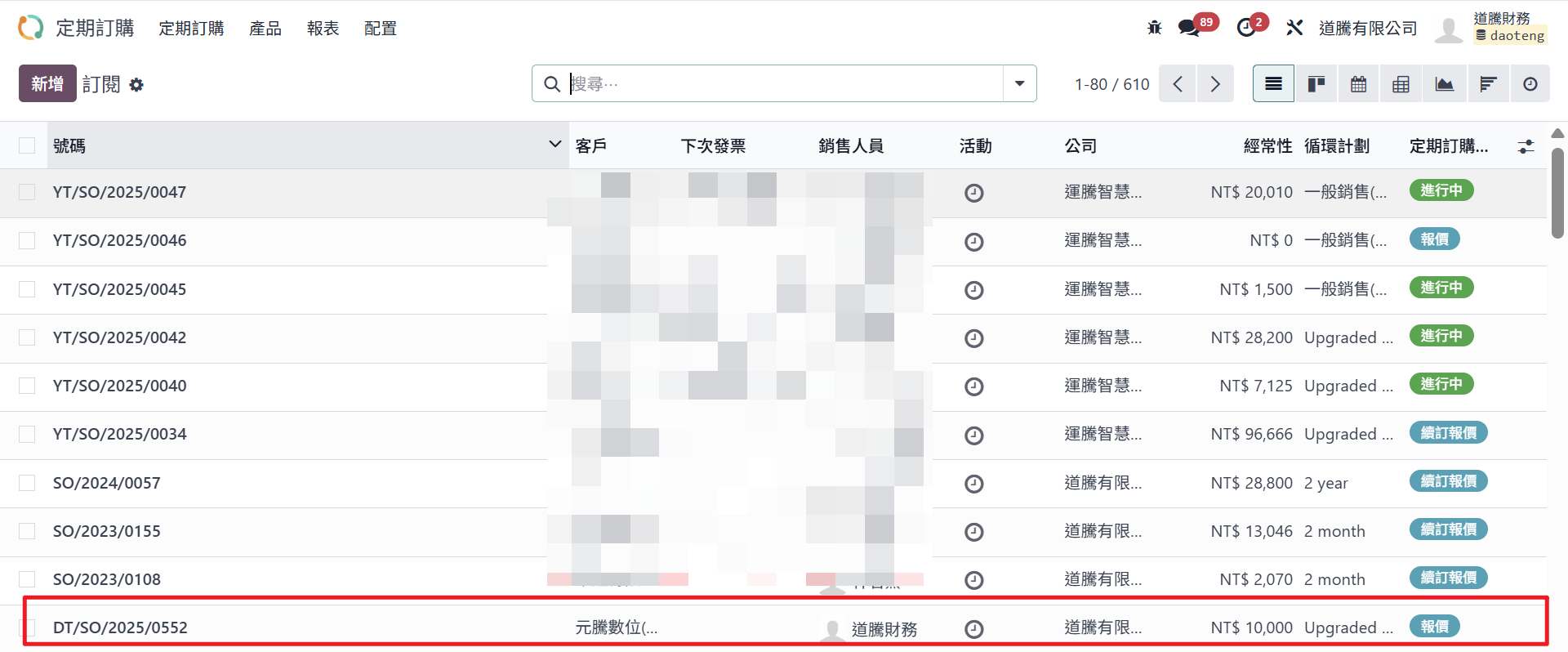
Step1:點選欲轉成訂單的訂閱單,此時訂閱單的狀態為「報價」。
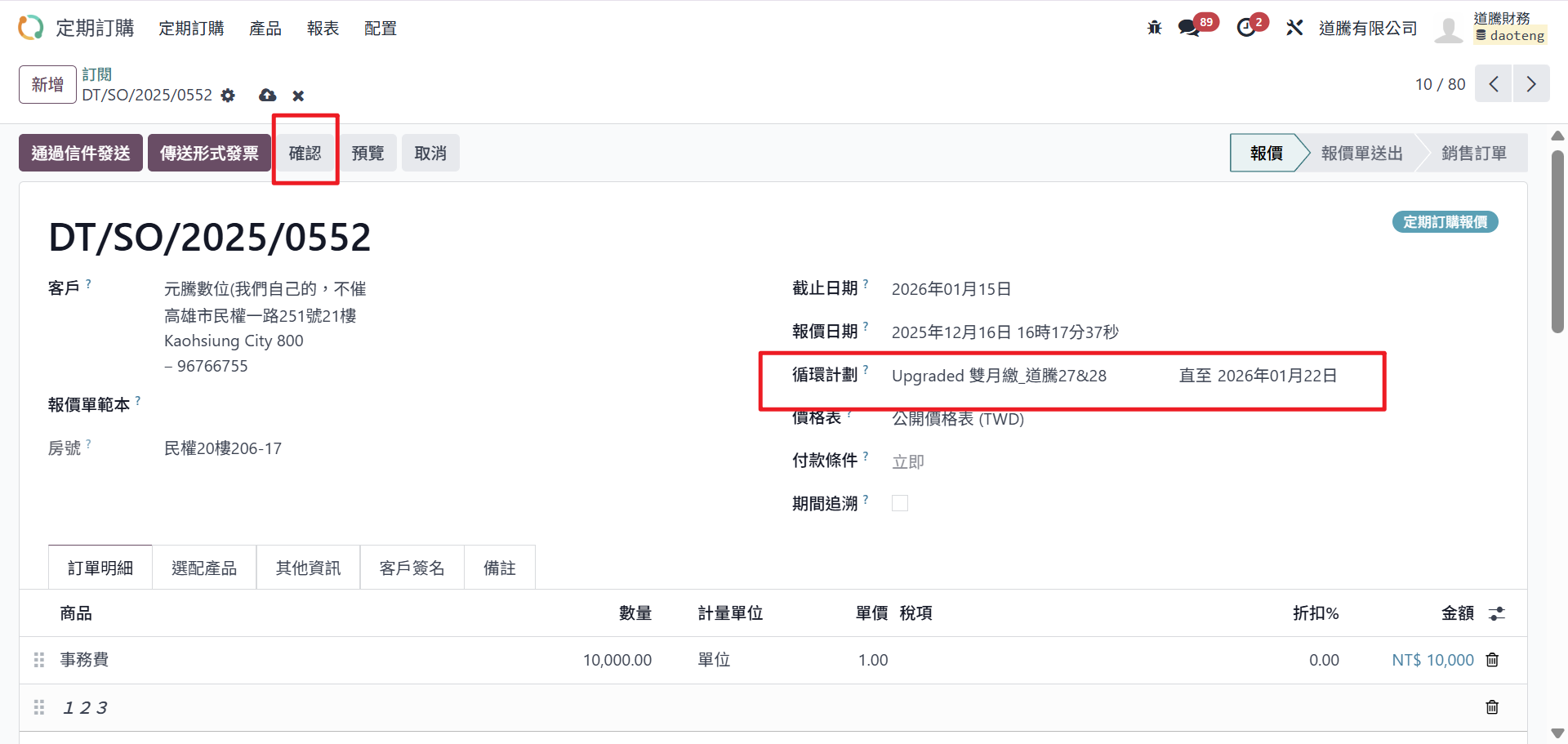
Step2:確認資料填寫正確後,點選「確認」。
此時訂閱單會正式啟用,狀態變為「進行中」,系統也會開始依照設定的循環計畫,準備在每個週期自動開立發票。
注意事項:
以上資訊完成之後,系統會自動跑帳單(如下圖紅框),因此在確認前,務必再次確認循環計畫是否符合客戶實際收費方式。

Rating
0
0
There are no comments for now.
Join this Course
to be the first to leave a comment.