內部odoo知識庫
Completed
Click on the "Edit" button in the top corner of the screen to edit your slide content.
使用情境說明:
當訂閱內容確認無誤後,業務人員通常會透過系統直接將訂閱單(狀態為報價階段)寄送給客戶,避免人工寄送錯誤版本或金額。
Step1:進入定期訂購模組 。
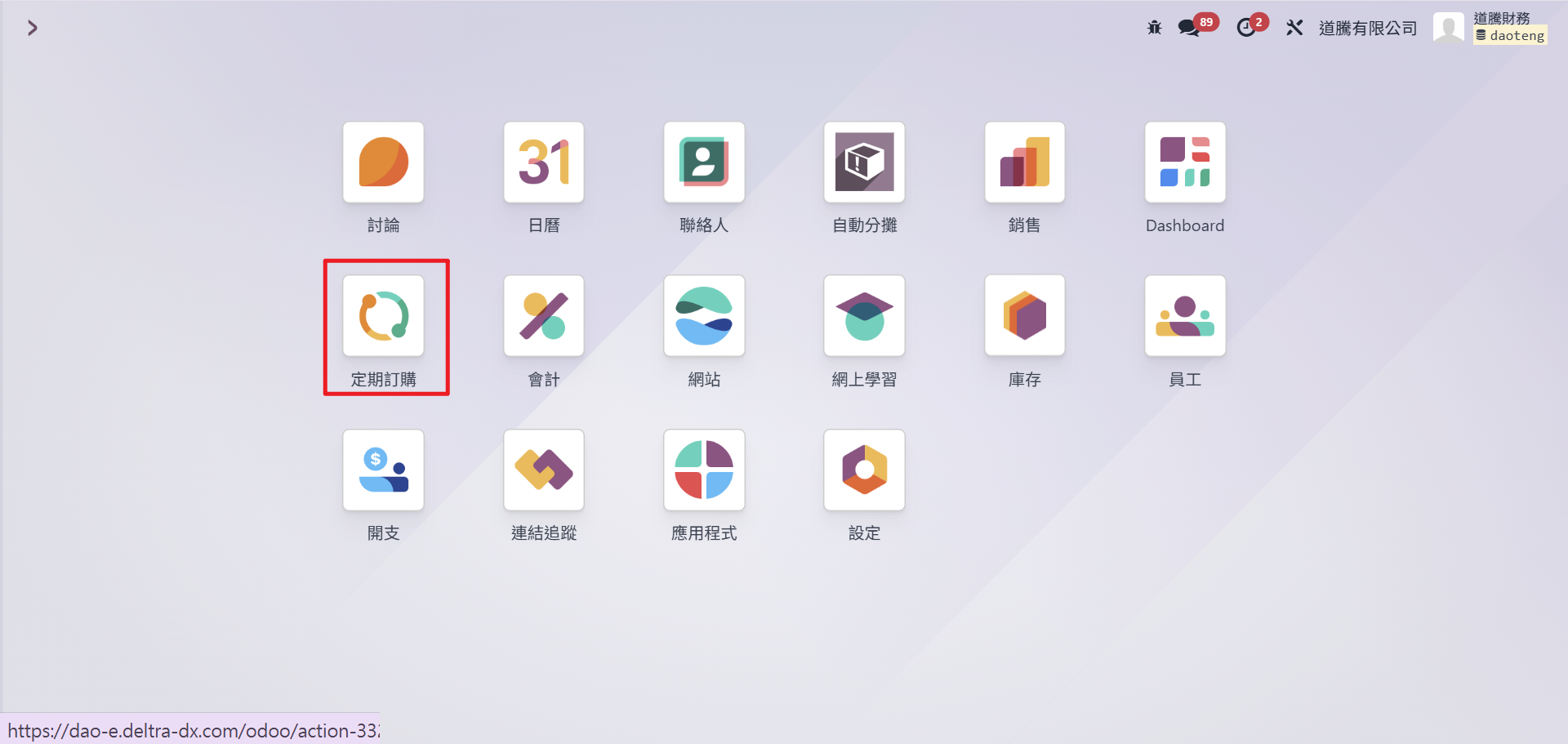
Step2:點選欲發送的訂閱單。確認報價單狀態為「報價單(Quotation)」。

Step3:點選畫面上方 「通過信件發送」。

備註:
- 若客戶沒有 Email,系統會提示無法寄送
- 寄出前務必再次確認金額與有效期限
- 選擇客戶後,系統會自動帶入客戶的email
Rating
0
0
There are no comments for now.
Join this Course
to be the first to leave a comment.